TL;DR
Choose Shopify if you want a faster launch, managed hosting, simpler upkeep, built-in checkout, and an ecommerce-first admin.
Choose WooCommerce if you already use WordPress, want deeper ownership, need unusual customization, and have technical support available.
Do not compare only the monthly plan. Compare the full operating cost: hosting, apps/plugins, payments, themes, maintenance, and developer help.
For most lean Shopify merchants, Shopify is the safer default because it removes more technical work from daily store operations.
WooCommerce vs Shopify at a glance

Area | WooCommerce | Shopify |
|---|---|---|
Best fit | WordPress-first stores that need ownership and flexibility | Stores that want a managed, ecommerce-first platform |
Setup | More setup decisions: hosting, WordPress, theme, plugins, security | More guided setup with hosting, checkout, themes, and admin in one place |
Customization | Very flexible, especially with WordPress development help | Flexible within Shopify’s theme, app, and platform structure |
Maintenance | Merchant or developer manages hosting, updates, backups, and compatibility | Shopify manages the core platform, hosting, and checkout infrastructure |
Costs | Can start lean, but hosting, plugins, security, and development add up | Clear platform plans, plus apps, themes, payments, and optional development |
Best default | Teams that want control and can support the stack | Teams that want to sell faster with less technical overhead |
The short answer
Shopify is usually the better choice for merchants who want to launch quickly, manage fewer technical details, and run ecommerce from one focused admin. Its pricing, plan limits, staff permissions, checkout tools, and support options are presented as managed commerce plans, so it is easier to understand what the platform includes before you build. Current plan details should always be checked on Shopify’s official pricing page before publishing, because plan features and prices can change.
WooCommerce is usually the better choice for merchants who already rely on WordPress or want deeper control over hosting, code, content structure, and plugin choices. The WooCommerce plugin itself is open source, but a real store still needs hosting, domain setup, security, payments, theme decisions, extensions, and ongoing updates. WooCommerce’s official setup guidance and pricing overview are the best places to verify current requirements. See WooCommerce documentation and WooCommerce pricing guidance.
The practical answer is this: choose Shopify when you want a simpler operating system for ecommerce. Choose WooCommerce when you want WordPress-level control and you are ready to own more of the technical stack.
Cost and pricing: compare the full operating cost

The biggest mistake in a WooCommerce vs Shopify comparison is comparing “free plugin” with “paid Shopify plan.” That is not how real ecommerce costs work. You need to compare the full store system.
Platform and hosting: WooCommerce needs a WordPress infrastructure and hosting setup; Shopify includes hosting in its managed platform.
Themes and design: Both platforms can use free, paid, or custom theme work, but Shopify keeps more of the storefront system structured.
Apps and plugins: WooCommerce relies on plugins and extensions; Shopify relies on apps. Either stack can add cost if you install too many tools.
Payments and maintenance: Payment fees depend on provider setup, while maintenance is usually heavier on WooCommerce and more managed on Shopify.
WooCommerce can be cost-effective if you already have a capable WordPress setup and technical support. Shopify can be more predictable for teams that want the platform to include hosting, checkout, security foundation, and support in one managed system. Neither option is automatically cheaper. The cheaper option is the one your team can run without hidden maintenance costs.
Setup and day-to-day use
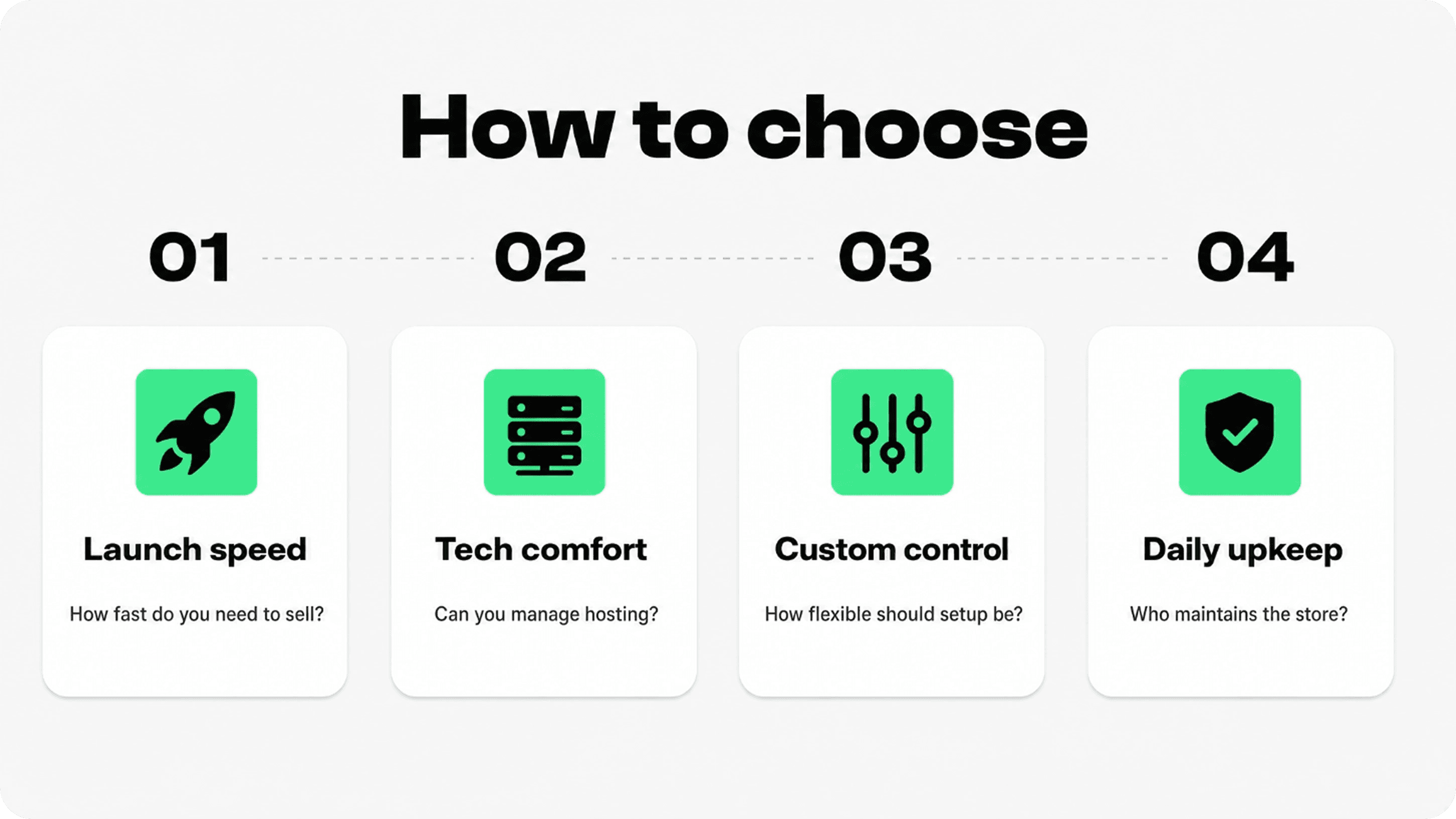
Shopify is built for merchants who want the core ecommerce pieces connected from the start: products, collections, checkout, payments, shipping, orders, discounts, analytics, themes, and apps. That does not mean every Shopify build is easy, but the platform reduces the number of technical decisions needed before launch.
WooCommerce setup has more choices. You need a WordPress site, hosting, SSL, plugin decisions, payment setup, shipping configuration, backups, performance work, and a maintenance process. For WordPress teams, that control is useful. For non-technical merchants, it can slow down the launch.
Design, customization, and control
WooCommerce gives you broader control because it lives inside WordPress. You can shape templates, content structures, hosting, plugins, custom fields, and technical workflows in a very flexible way. That makes WooCommerce appealing for stores that are part ecommerce, part content site, part custom web project.
Shopify gives you controlled flexibility. You can customize themes, sections, app blocks, product templates, checkout-adjacent content, and storefront experiences, but the platform keeps more boundaries around the commerce system. For many merchants, those boundaries are a benefit because they reduce the number of things that can break.
So the tradeoff is not “customizable vs not customizable.” It is “more ownership and responsibility” versus “more structure and less technical maintenance.”
Apps, plugins, and growth tools
Both ecosystems are strong, but they behave differently. WooCommerce benefits from the WordPress plugin world plus WooCommerce-specific extensions. Shopify has an ecommerce-focused app ecosystem where merchants can add reviews, upsells, subscriptions, support tools, loyalty, trust badges, analytics, returns, shipping, and more.
The risk on both platforms is tool sprawl. Too many apps or plugins can increase costs, slow performance, create compatibility issues, and make the shopper journey harder to understand. A better approach is to add tools only when they support a clear buying or operating goal.
The most useful Shopify apps to increase sales solve one clear problem in the shopper journey rather than adding more features by default. For many stores, that means focusing first on trust, product clarity, reviews, and an easier path to checkout.
For Shopify merchants, a practical early stack usually focuses on trust, product clarity, reviews, email/SMS, analytics, and support. Snapp’s Trust Badges & Icons fits into the trust and product-clarity layer because it helps stores add payment icons, benefit icons, and confidence cues without rebuilding the theme.
SEO and content
WooCommerce has a natural advantage for teams that already treat WordPress as their content engine. If your store depends heavily on editorial SEO, custom content types, advanced landing pages, or a deep blog architecture, WooCommerce can feel familiar and powerful.
Shopify can also perform well in search. It supports product pages, collections, blog posts, redirects, page titles, meta descriptions, clean store navigation, fast themes, and app integrations. For many merchants, Shopify’s ecommerce-first structure makes the basics easier to maintain.
The platform is only one part of SEO. Helpful content, product-page depth, internal links, category structure, page speed, image quality, trust signals, and clear buying information often matter more than whether the backend is WooCommerce or Shopify.
Payments, checkout, and buyer trust
Shopify’s managed checkout is a major reason merchants choose it. Payment setup, checkout infrastructure, order flow, and many operational settings live inside one commerce system. Shopify also documents how third-party transaction fees can apply when merchants use certain external payment providers, so payment setup should be reviewed in the official Shopify third-party transaction fee documentation.
WooCommerce gives more payment flexibility through gateways and extensions, but the store owner has more responsibility for configuration, compatibility, security, and testing. That can be valuable for complex stores, but it also creates more operational detail.
Whichever platform you choose, shoppers still need confidence. Clear shipping information, return policy cues, secure payment messaging, benefit icons, and real proof can reduce hesitation. For more on this, Snapp’s guides on what trust badges are and why they boost conversions and how to use testimonials and trust badges for conversions are useful next reads.
Security, support, and maintenance
Shopify handles more of the core infrastructure. The merchant still needs to manage products, content, apps, theme quality, policies, and operations, but the platform takes responsibility for the hosted commerce foundation. Shopify’s pricing page also lists plan-level support access, which is useful for lean teams that want a clearer support path.
WooCommerce gives the merchant more control and more responsibility. You need to keep WordPress, WooCommerce, themes, plugins, hosting, backups, caching, and security practices healthy. If your team has a developer or reliable agency, this can be manageable. If not, it can become a recurring distraction from selling.
Best choice by store type
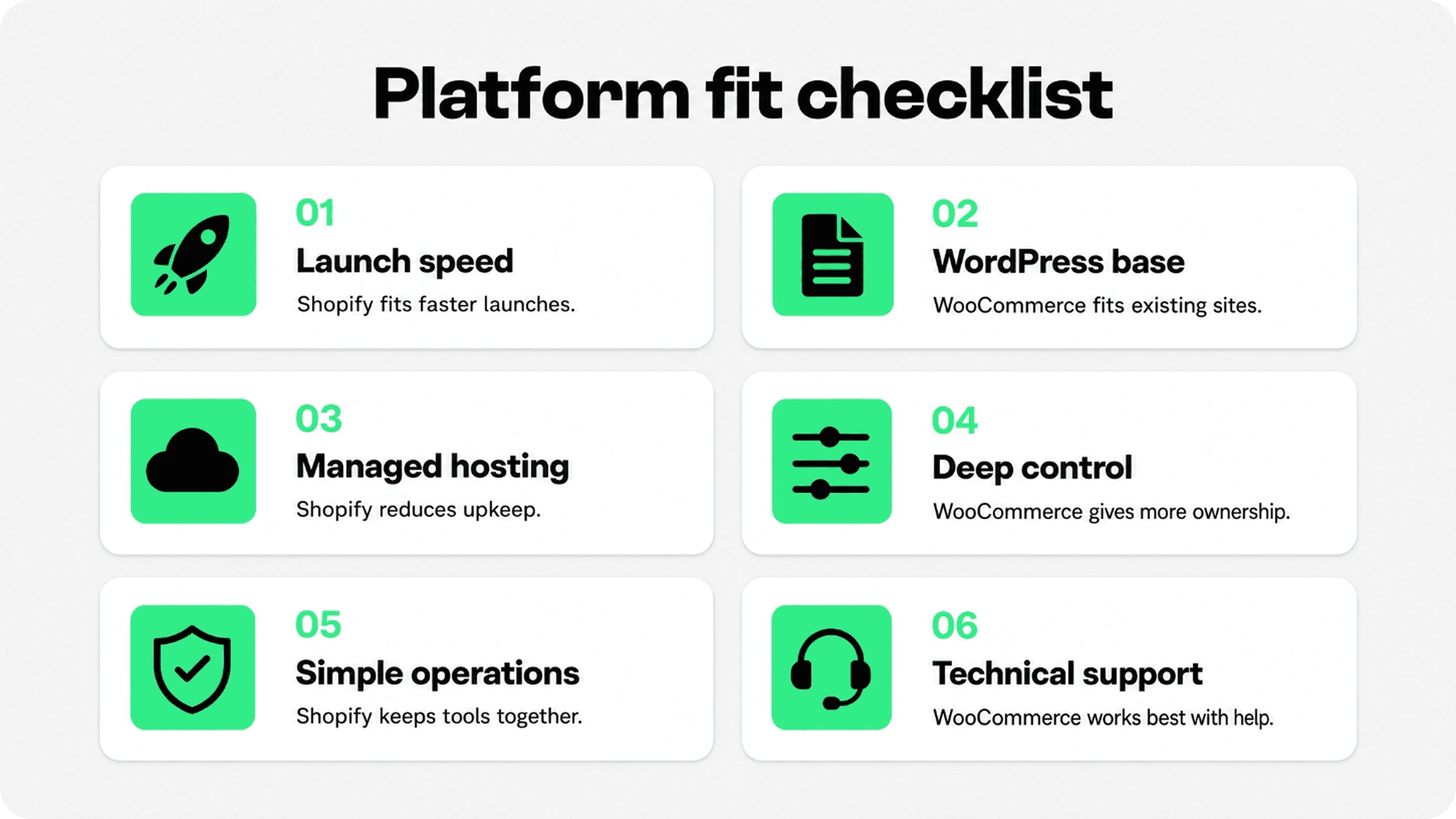
Choose Shopify for a first ecommerce store, a lean team, managed checkout, managed hosting, and fewer maintenance tasks.
Choose WooCommerce for an existing WordPress site, a content-heavy SEO strategy, unusual site architecture, or a team with WordPress development support.
Choose based on operations, not hype: the better platform is the one your team can run consistently while still improving the shopper experience.
Where Snapp fits
Snapp is not the reason to choose Shopify over WooCommerce. The platform choice should come first. But if you choose Shopify, trust cues are one of the practical store improvements worth adding early. Shoppers should quickly understand payment confidence, shipping clarity, product benefits, returns, and store credibility before they reach checkout.
With Snapp Trust Badges & Icons, Shopify merchants can add trust badges, payment icons, and product benefit icons in a cleaner way without turning product pages into clutter. Use it where it supports the buying decision: near the price, add-to-cart area, product benefits, shipping information, and policy reminders.
Final recommendation
Choose Shopify if you want the simpler operating path: managed hosting, structured plans, ecommerce-first admin, built-in checkout, and a large app ecosystem. For most merchants who want to launch and improve quickly, Shopify is the safer default.
Choose WooCommerce if you want deeper control, already work inside WordPress, and have the technical resources to manage hosting, updates, extensions, performance, and customization. WooCommerce can be powerful, but it asks more from the team running it.
The best platform is the one your team can maintain while still improving the store experience. If managing the platform becomes the project, Shopify probably fits better. If owning the platform is part of your strategy, WooCommerce may be worth the extra responsibility.