TL;DR
Shopify is a commerce platform, not just a website builder. It combines storefront, checkout, products, orders, payments, shipping, analytics, and apps in one admin.
It is useful when you want a faster store setup. Shopify handles hosting and much of the technical foundation so merchants can focus on products, customers, and operations.
It still needs strategy. Shopify gives you the store system, but you still need products, traffic, clear offers, trust signals, support, and conversion work.
Costs can grow with the stack. Plans, paid themes, apps, payment setup, and expert help should be considered before choosing tools.
What is Shopify?
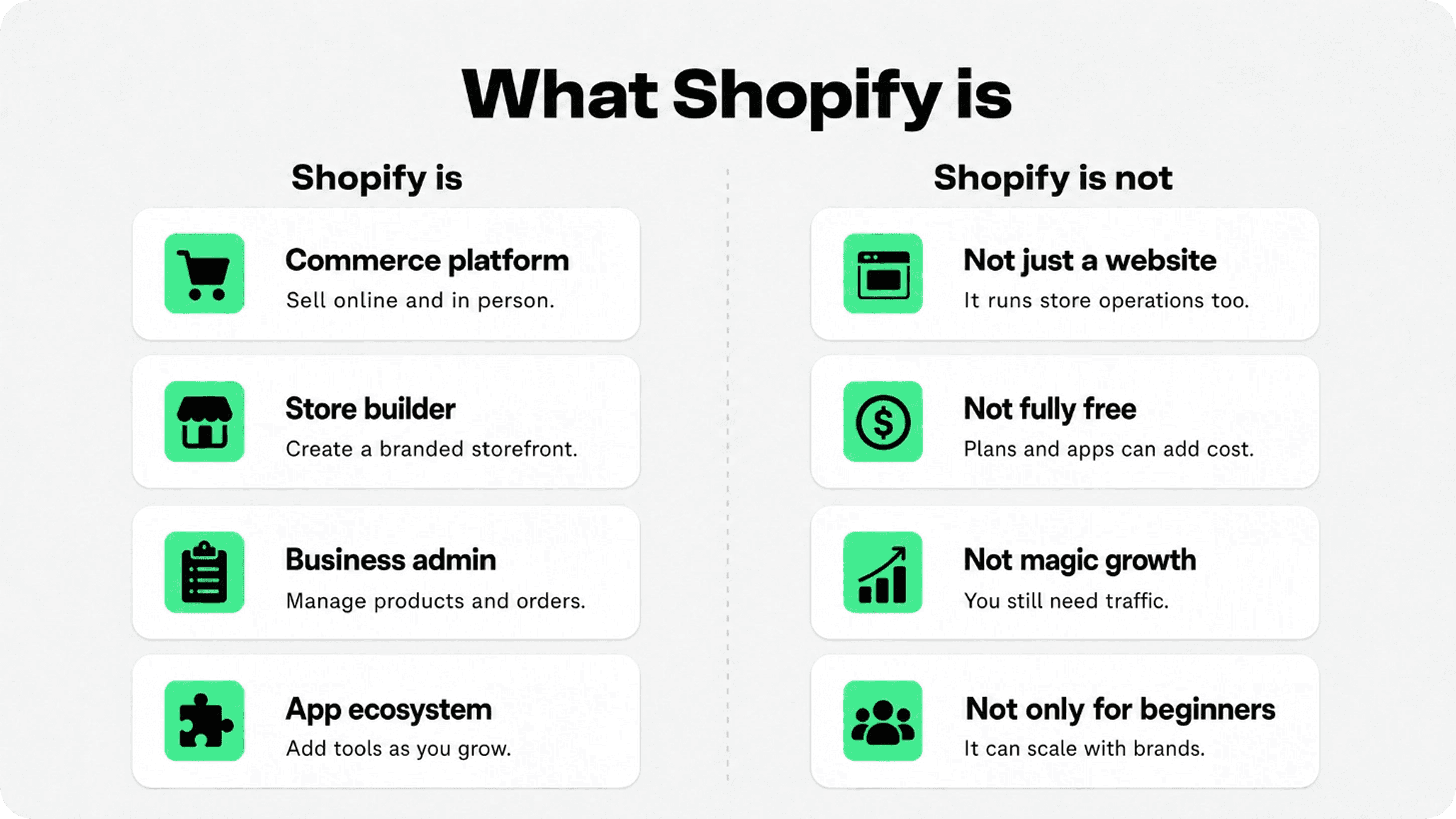
Shopify is a cloud-based commerce platform for building and running an ecommerce business. In simple terms, it gives you a storefront where shoppers can browse products, a checkout where they can buy, and an admin where you manage the business behind the store.
The important part is that Shopify is not only a page builder. It also connects product management, inventory, payments, shipping settings, orders, reports, sales channels, themes, and apps. Shopify describes itself as a complete commerce platform for selling online or in person, from side hustles to global brands. You can review Shopify’s own overview on its About Shopify page and its official What is Shopify guide.
For a merchant, that means Shopify is the system you use to build the shop and operate it after launch. You add products, choose a theme, configure checkout, set up payments and shipping, handle orders, review reports, and add apps when your store needs more functionality.
How Shopify works
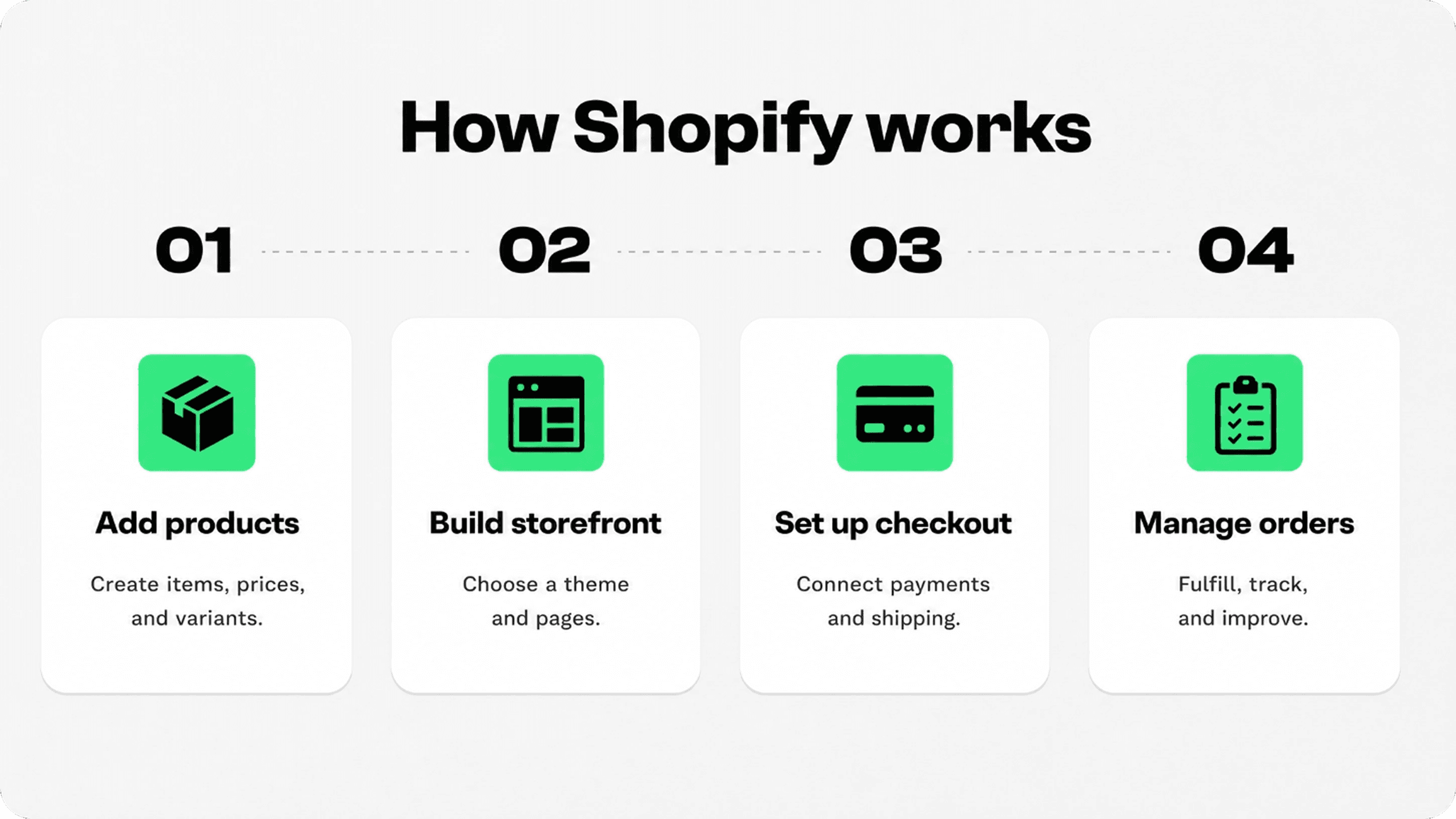
A Shopify store usually starts with products and a storefront. You create product pages, organize collections, choose a theme, and write the information shoppers need before they buy. From there, Shopify connects the store to checkout, orders, payment capture, fulfillment, and reporting.
When a customer places an order, the order appears in the Shopify admin. Shopify’s order documentation explains that merchants can view orders, process payments, edit order details, print documents, handle returns, and manage refunds from the Orders area. Shipping settings and fulfillment workflows are also managed inside the Shopify admin. See Shopify’s official guides on managing orders and getting started with shipping.
That connected workflow is why Shopify is popular with lean teams. Instead of stitching together hosting, checkout, order tools, and reporting from scratch, you start with a managed commerce foundation and improve from there.
What Shopify includes
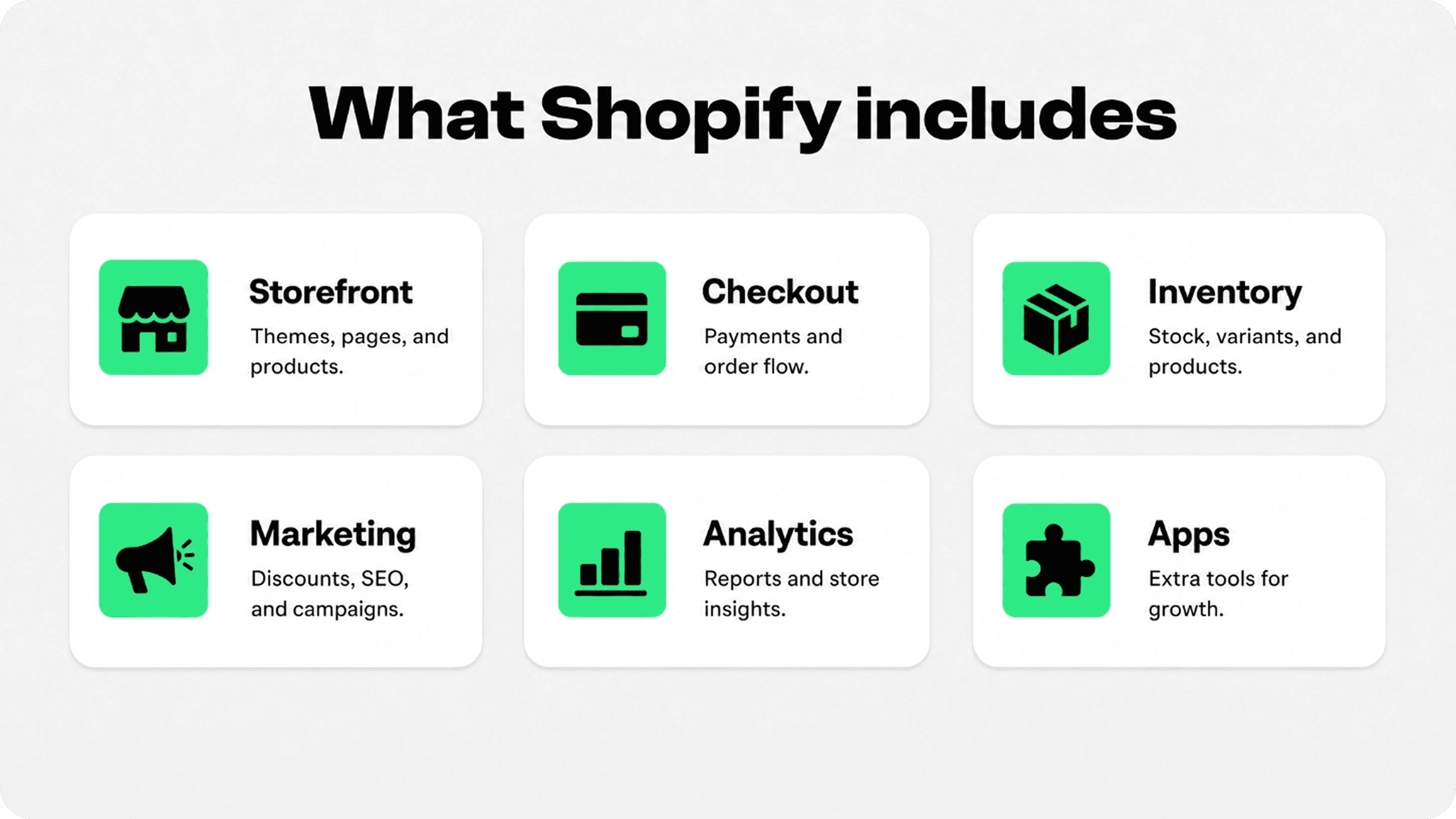
Shopify includes the core pieces most merchants need to launch and run an online store. Exact features depend on plan, region, and configuration, so pricing and plan details should always be checked on the official Shopify pricing page before making a final decision.
Part of Shopify | What it helps with | Why merchants care |
|---|---|---|
Storefront | Themes, pages, navigation, products, and collections | Creates the customer-facing shopping experience |
Checkout and payments | Checkout flow, payment setup, payment capture, and order payment status | Lets customers buy and helps merchants manage payment flow |
Orders and fulfillment | Order details, fulfillment status, returns, refunds, and shipping workflows | Turns purchases into operational tasks the team can manage |
Marketing and analytics | SEO basics, discounts, reports, campaigns, and sales insights | Helps merchants understand and improve store performance |
Apps and integrations | Extra tools for reviews, subscriptions, trust badges, support, upsells, and more | Extends the store without rebuilding the whole system |
This is the main benefit of Shopify: it gives merchants a practical starting point. You do not need to build every ecommerce function separately before you can sell. But you still need to choose the right theme, write clear product content, manage policies, add trust cues, and avoid installing apps just because they look useful.
Why businesses use Shopify
Businesses use Shopify because it reduces the technical work required to start selling online. Hosting, storefront structure, checkout, orders, and the admin experience are already connected. That makes it easier for a founder, small team, or growing brand to get a store live and keep improving it.
Shopify also supports different selling situations. A merchant can start with an online store, then add channels, apps, point-of-sale tools, marketing workflows, and reporting as the business becomes more complex. Shopify’s official materials describe selling through an online store, in person, marketplaces, social channels, and wholesale, depending on setup and plan.
The mistake is thinking Shopify replaces the work of building a good business. It does not. Shopify makes the commerce system easier to manage, but the merchant still needs strong product positioning, good photos, clear copy, traffic, customer support, and a buying experience that feels trustworthy.
Who should use Shopify?
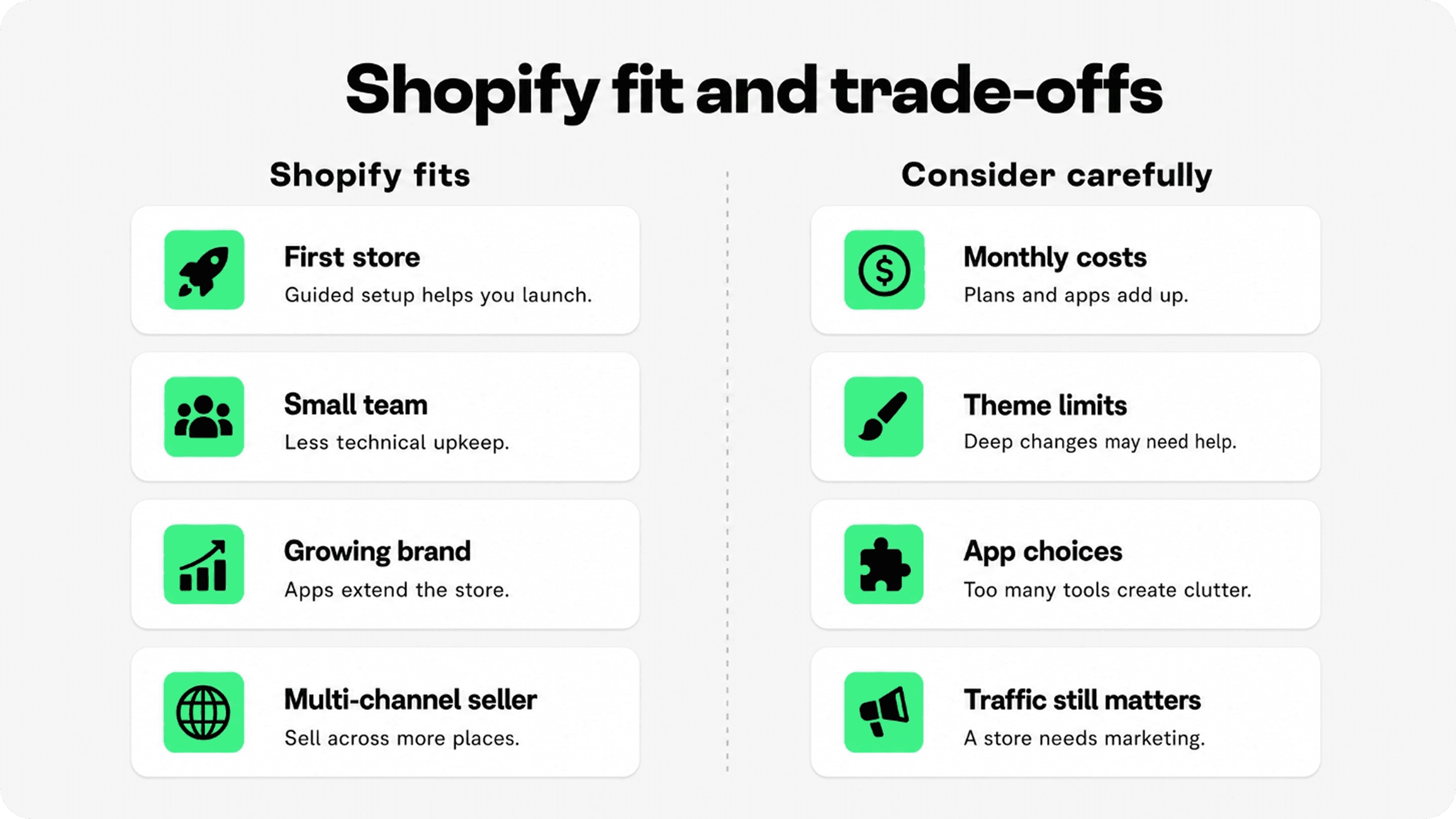
Shopify is a strong fit for merchants who want a guided, managed way to sell online without managing hosting or building checkout from scratch. It is especially useful for first stores, small teams, product-led brands, creators, retail shops, and ecommerce businesses that want to launch quickly and improve over time.
Good fit: first-time store owners, lean teams, brands that want managed hosting, merchants selling physical or digital products, and stores that want to add apps as they grow.
Consider carefully: stores with very unusual backend needs, teams that need full platform ownership, merchants with tight app budgets, or brands that expect heavy custom development from day one.
Best mindset: use Shopify as your commerce foundation, then improve the shopper journey with better product pages, trust cues, support, analytics, and focused marketing.
How much does Shopify cost?
Shopify pricing changes by plan, country, billing period, payment setup, and added tools, so the safest answer is to check Shopify’s current pricing page before publishing or choosing a plan. The platform cost is only one part of the full store budget.
Platform plan: the monthly or annual Shopify subscription.
Payment costs: processing fees and possible third-party transaction fees depending on payment setup. Shopify’s help center explains that Shopify Payments affects third-party transaction fee handling in supported cases.
Theme and design: free themes can work, but some stores choose paid themes or custom theme work.
Apps: paid apps can add useful functionality, but too many apps increase cost and complexity.
Expert help: design, development, SEO, migration, analytics, and conversion work may require outside help as the store grows.
Where Snapp fits
Once a store is live, Shopify apps to increase sales can help improve specific parts of the buying experience. Trust tools are especially useful when shoppers need clearer reassurance around payment, shipping, returns, or product quality before they buy.
That is where Snapp Trust Badges & Icons fits. It helps Shopify merchants add trust badges, payment icons, and product benefit icons without turning the page into a cluttered design project. Use trust cues near the product price, add-to-cart area, key benefits, shipping information, and policy reminders.
For deeper context, Snapp’s guides on what trust badges are and why they boost conversions and how to use testimonials and trust badges for conversions are useful next reads.
Final answer
Shopify is a hosted commerce platform that helps businesses build a store and manage the operations behind it. It is useful because it brings storefront, products, checkout, orders, payments, shipping, analytics, and apps into one system.
Use Shopify if you want a faster and more managed way to start selling online. Just remember that the platform is the foundation, not the whole business. The store still needs good products, clear messaging, traffic, customer support, trust signals, and steady improvement.