TL;DR
Trust badges are reassurance cues. They help communicate secure checkout, accepted payments, shipping promises, returns, guarantees, reviews, and product benefits.
They work best near decisions. Product pages, carts, checkout-adjacent areas, policy sections, and post-purchase updates are stronger placements than random decorative rows.
Honesty matters more than quantity. A few clear, real badges beat a crowded strip of generic claims that shoppers cannot verify.
Snapp fits the Shopify trust layer. Snapp Trust Badges & Icons helps merchants add clean badge bars, payment icons, icon blocks, and promise banners without code.
What are trust badges?

Trust badges are visual signals that tell shoppers something important about the buying experience. They can show that checkout is secure, payment methods are familiar, returns are simple, shipping is clear, reviews are available, or the store stands behind its promises.
The best way to think about trust badges is simple: they make invisible reassurance visible. A shopper cannot always know whether your checkout is safe, your delivery promise is real, or your return policy is friendly. A well-placed badge turns that reassurance into a quick, scannable cue.
Shopify’s own trust badge guidance describes badges as credibility signals that can help give new customers more confidence when buying from a Shopify store. See Shopify’s guide to trust badges for Shopify stores for platform context.
Types of trust badges that matter
Most trust badges fall into a few useful categories. Some come from third-party providers or platform programs. Others are store-owned promise badges, such as “Free Returns” or “Ships in 24 Hours.” Both can be useful, but only if the claim is true and easy for the shopper to understand.
Badge type | What it communicates | Best placement |
|---|---|---|
Secure checkout | Payment and personal information feel protected | Cart, checkout-adjacent areas, payment sections |
Payment icons | Accepted payment methods feel familiar | Product page, cart, footer, checkout-adjacent areas |
Shipping promise | Delivery cost or speed feels clear | Product page, cart, shipping policy, announcement areas |
Returns or guarantee | The purchase feels lower risk | Product page, cart, FAQ, returns policy |
Reviews or ratings | Other shoppers have bought and shared feedback | Product pages, review sections, collection highlights |
Product benefit icons | Important value points are easier to scan | Product page, landing page, feature sections |
This table is also a useful filter. If a badge does not answer a real buyer concern, it may not belong on the page. Decorative badges can look polished for a second, but shoppers trust cues that connect to real policies and real proof.
Why trust badges can improve conversions
Trust badges can support conversions because ecommerce buying includes uncertainty. Shoppers are asked to share payment details, wait for delivery, trust product claims, and believe the store will help if something goes wrong. Trust badges reduce some of that uncertainty when they answer the right question at the right moment.
The important word is “support.” Trust badges do not fix a weak offer, confusing product page, slow site, unclear shipping, or fake-looking store. They work as part of a trust system: clear product copy, professional design, honest policies, visible contact options, reliable checkout, reviews, and consistent post-purchase communication.
Baymard’s checkout research repeatedly highlights that shoppers notice risk and privacy concerns during checkout, especially around personal information and payment details. That is why reassurance near payment, shipping, returns, and account details can be useful when it is specific and credible. See Baymard’s overview of checkout UX research for broader checkout context.
Trust badge dos and don’ts
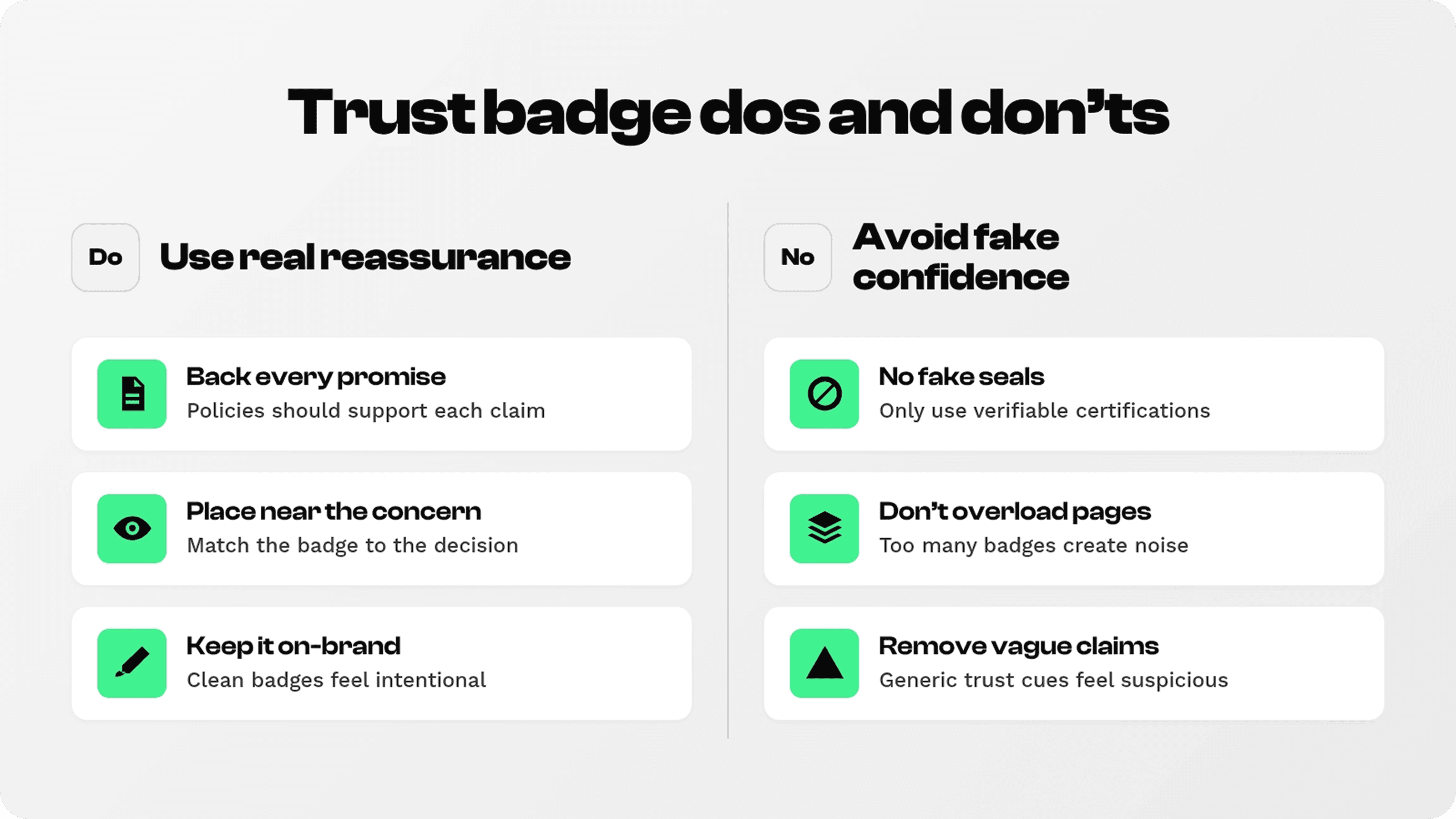
Do use badges for real promises. If you show “Free Returns,” the returns policy should clearly support that promise.
Do keep badges close to the concern. Shipping badges belong near product or cart decisions; payment reassurance belongs near cart or checkout-adjacent areas.
Do match the store design. Badges should look integrated, not pasted in from a random icon pack.
Do not use fake seals. Third-party security, certification, or review claims must be real and verifiable.
Do not overload the page. Too many badges can feel noisy or suspicious. Keep the most useful cues visible and remove the rest.
Where to place trust badges

Placement matters because trust concerns appear at different points in the buying journey. On a product page, shoppers want to understand value, delivery, returns, and proof. In the cart, they are checking total cost and risk. Around checkout, they need payment confidence. After purchase, they want reassurance that the order is moving.
Product page: use product benefit icons, shipping promises, guarantees, review cues, and payment reassurance near the add-to-cart area.
Cart: show secure checkout cues, accepted payment icons, shipping reminders, and returns reassurance before the shopper commits.
Footer and policy pages: keep policies, contact details, privacy, and returns easy to find for cautious shoppers.
Post-purchase: use delivery, tracking, support, and return reassurance so the shopper feels looked after after buying.
How Snapp helps Shopify merchants add trust badges
For merchants comparing Shopify apps to increase sales, Snapp Trust Badges & Icons is built for the trust layer: badge bars, payment icons, icon blocks, and single-message banners that can be placed without code.
Snapp is especially relevant for product pages, cart reassurance, store promise sections, accepted payment icons, and product benefit blocks. Keep the message short and specific: “Free Returns,” “Secure Checkout,” “Ships from EU,” “30-Day Guarantee,” or “Fast Support.”
The Shopify App Store listing for Snapp Trust Badges & Icons is the right external product link when publishing app-specific references.
For Shopify-specific guidance, see Shopify trust badge types and placement and secure checkout badges.
Trust badge quality check
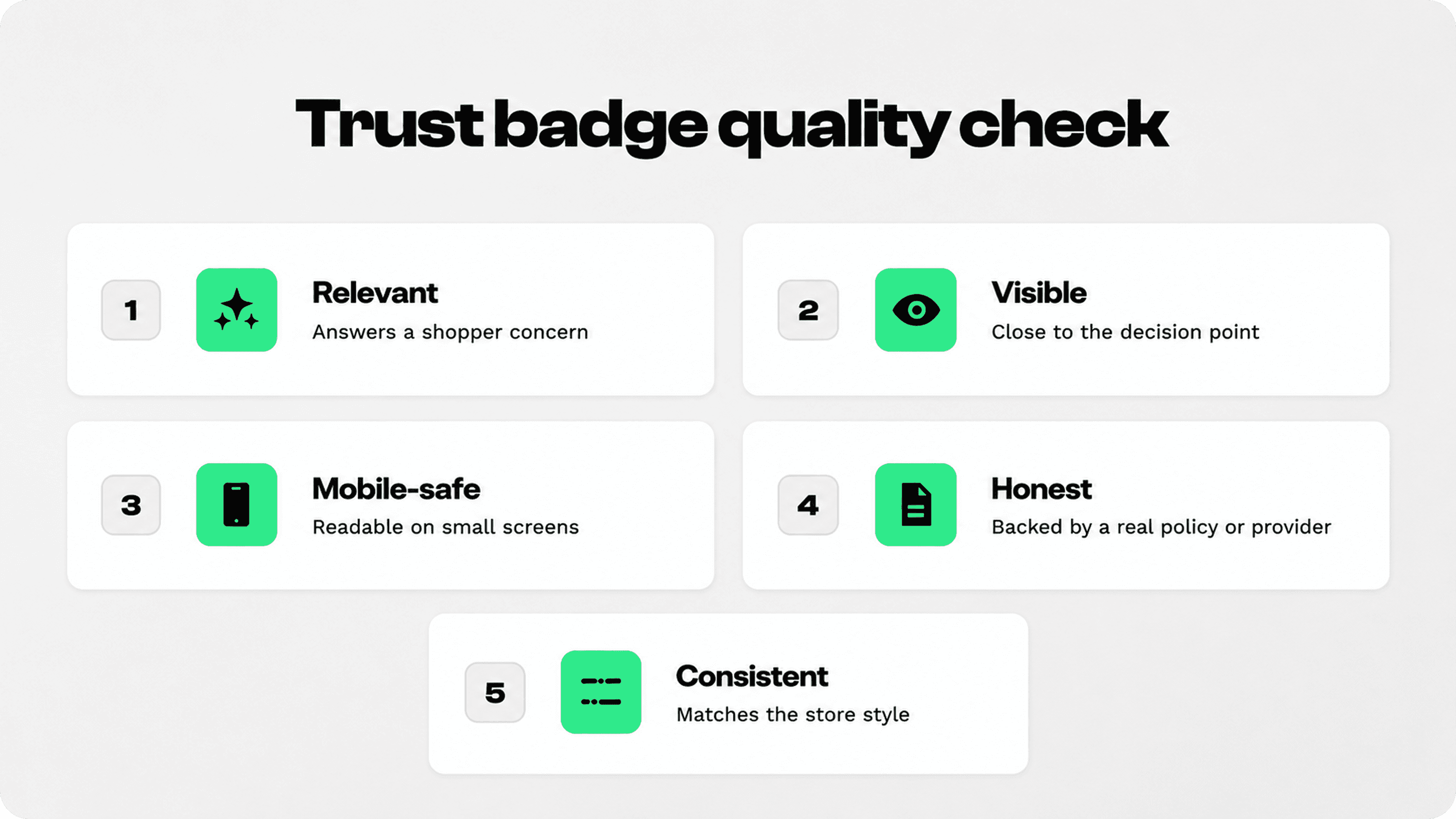
Before adding a badge, run a quick quality check. The goal is not to add more icons. The goal is to make the buying decision clearer and safer.
Relevant: does the badge answer a real shopper concern on this page?
Visible: is it close enough to the decision point to matter?
Readable: can shoppers understand it quickly on mobile?
Honest: is the claim true, current, and backed by your policy or provider?
Consistent: does the badge match your visual style instead of fighting with the page?
Final answer
Trust badges are small but useful ecommerce cues that make safety, payment options, shipping promises, returns, guarantees, reviews, and product benefits easier to understand. They can support conversions because they reduce uncertainty at important decision points.
Use them carefully. A few honest, well-placed trust badges can make a store feel clearer and more reliable. Too many generic or fake-looking badges can do the opposite.