TL;DR
Start with problems, not app lists. Choose apps for clear jobs: trust, reviews, search, email, bundles, subscriptions, support, tracking, returns, SEO, and speed.
Keep the stack lean. Every app should improve revenue, trust, customer experience, or team efficiency enough to justify its cost and performance impact.
Use Shopify’s native tools where they fit. Apps like Shopify Search & Discovery, Shopify Email, and Shopify Inbox can be good starting points before adding heavier third-party tools.
Snapp belongs in the trust layer. For trust badges, payment icons, icon blocks, and clean reassurance cues, Snapp Trust Badges & Icons is the relevant Snapp app to mention right now.
How to choose the best Shopify apps
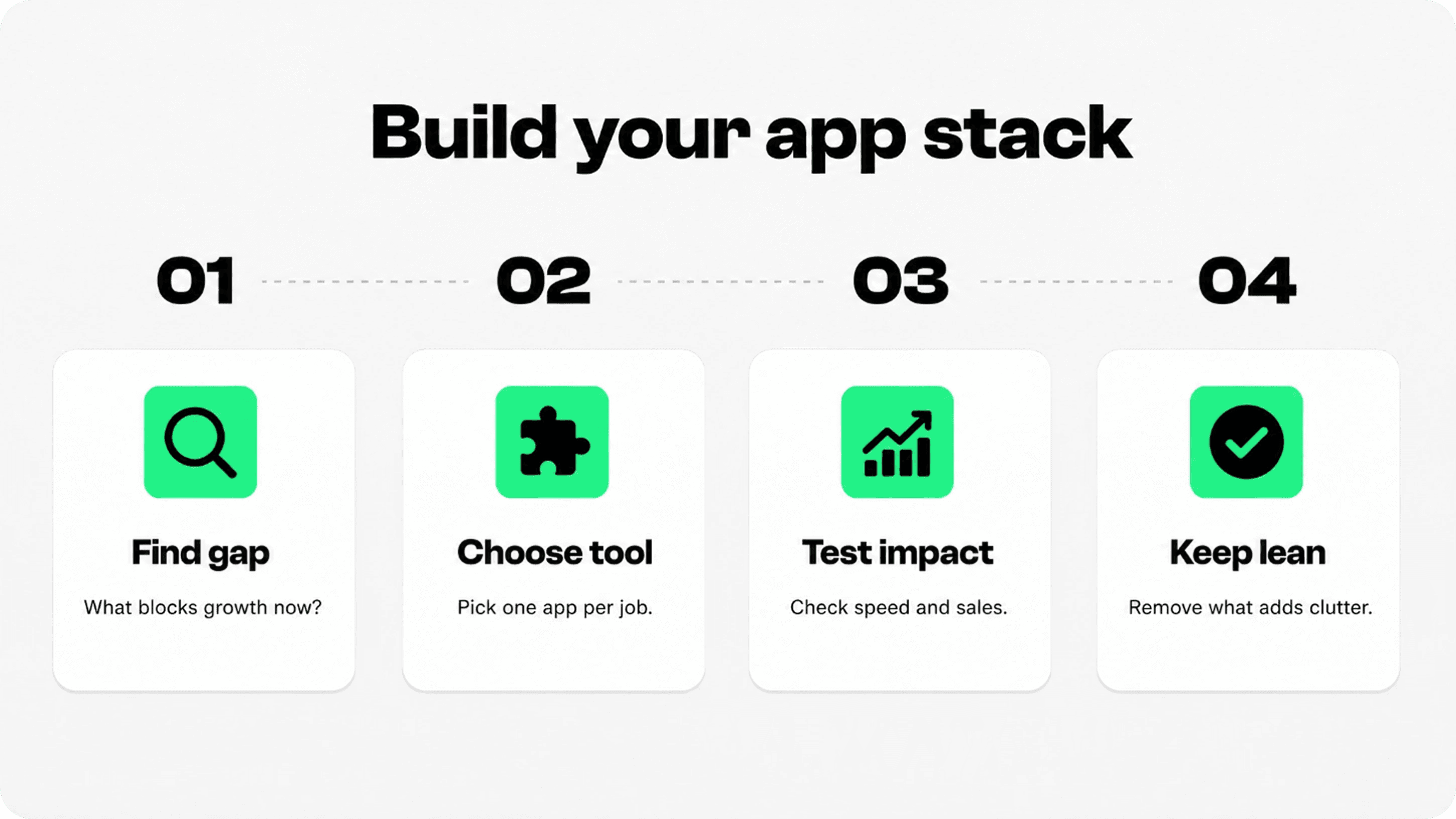
The best Shopify apps are the ones that match your store’s current bottleneck. A new store might need trust cues, reviews, email capture, and basic support. A growing store might need better search, bundles, subscriptions, returns, analytics, or retention. A mature store may need deeper personalization, automation, and operational control.
Before installing anything, check whether Shopify already covers the job. Shopify’s own App Store has thousands of apps, but more choice does not automatically mean a better store. Shopify also warns merchants to consider app impact carefully, because apps can affect storefront performance depending on what they add to the theme.
A good app stack follows a simple rule: one app, one job, one measurable reason. If an app does not improve buyer confidence, conversion, retention, operations, or support, it probably does not belong on a lean Shopify store.
Best Shopify app categories for growth
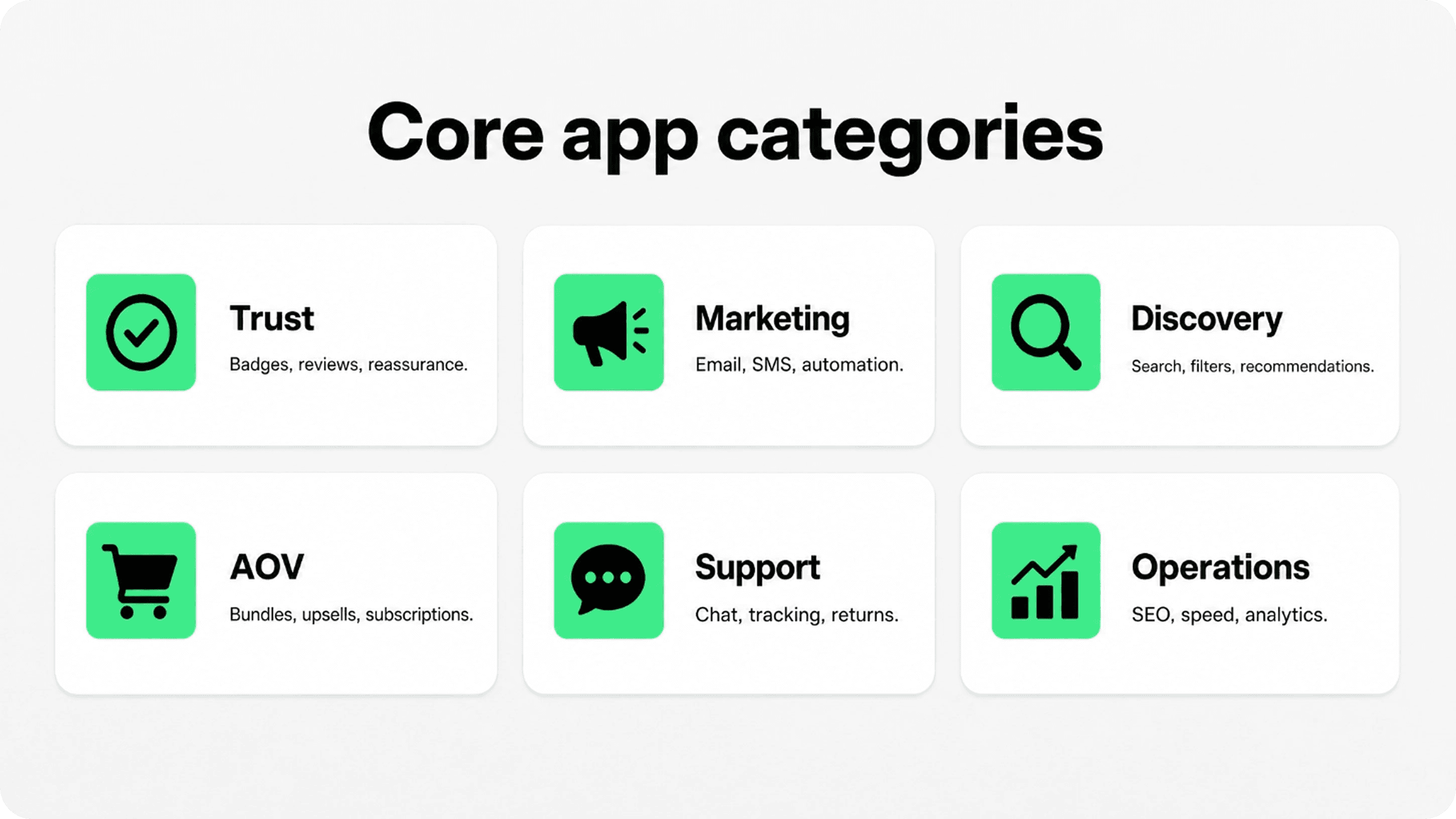
Instead of ranking apps as if every store has the same needs, it is smarter to choose by category. The table below gives a practical shortlist of app types and example picks to evaluate. Always check each app’s current pricing, reviews, support quality, compatibility, and recent update history before installing.
Category | Example apps to evaluate | Best for | Watch out for |
|---|---|---|---|
Trust and reassurance | Snapp Trust Badges & Icons, Judge.me, Loox, Yotpo | Building buyer confidence with badges, payment icons, reviews, and social proof | Do not overload product pages with too many trust blocks |
Search and discovery | Shopify Search & Discovery, Boost AI Search & Discovery, Klevu | Helping shoppers filter, search, and find products faster | Large catalogs need better setup and merchandising rules |
Email, SMS, and push | Klaviyo, Shopify Email, Omnisend, PushOwl | Capturing visitors, recovering carts, and improving repeat purchases | Message volume and compliance need careful control |
Upsell, bundles, and AOV | ReConvert, Bundler, Pumper Bundles, Frequently Bought Together | Increasing average order value with relevant offers | Bad offers can feel pushy and hurt trust |
Subscriptions and loyalty | Recharge, Skio, Smile, Loop Loyalty-style tools | Recurring revenue, rewards, and retention programs | Only useful when the product model supports repeat buying |
Support and post-purchase | Shopify Inbox, Tidio, Gorgias, AfterShip, Loop, Return Prime | Answering questions, tracking orders, and simplifying returns | Support tools need team process, not just installation |
Trust, reviews, and social proof apps
Trust apps are often some of the highest-leverage tools for new and growing Shopify stores because they reduce hesitation close to the buying decision. This category includes trust badges, payment icons, guarantee blocks, review widgets, testimonials, UGC, and product benefit icons.
When choosing Shopify apps to increase sales, start with the customer hesitation you need to solve. Trust tools are most useful when shoppers need clearer payment, delivery, return, or product-benefit reassurance before purchasing.
For the Snapp ecosystem, the relevant product is Snapp Trust Badges & Icons. It helps Shopify merchants add trust badges, payment icons, icon blocks, and banners without code. Use it near product benefits, the add-to-cart area, cart reassurance, policy reminders, accepted payment methods, and store promise sections.
For reviews, apps like Judge.me, Loox, and Yotpo can help collect and display customer proof. Reviews are useful because they answer the question every new shopper has: “Can I trust this product and this store?” Pair review apps with clear policies and trust badges rather than relying on reviews alone.
Related Snapp reads: What Are Trust Badges & Why They Boost Conversions and How to Use Testimonials & Trust Badges for Conversions.
Marketing, email, SMS, and retention apps
Marketing apps help turn one-time visitors into subscribers, buyers, and repeat customers. For small stores, Shopify Email can be a simple starting point. For more advanced segmentation, automations, SMS, and lifecycle flows, tools like Klaviyo or Omnisend are common choices.
The best flows to set up early are usually welcome, abandoned checkout, post-purchase, review request, winback, and product education. Do not start with ten campaigns. Start with a few flows that match the customer journey and improve them as you collect data.
Push notifications can also work for certain stores, especially when offers are timely. But use them carefully. The more intrusive the channel, the more important it is to earn permission and send messages people actually want.
Search, discovery, bundles, and AOV apps
Search and discovery apps are most useful when a store has enough products that shoppers need help narrowing choices. Shopify’s free Search & Discovery app can improve filters, recommendations, and search setup. Larger catalogs may evaluate tools like Boost AI Search & Discovery or Klevu for more advanced merchandising and personalization.
AOV apps help increase order value with bundles, upsells, cross-sells, quantity breaks, and post-purchase offers. These can work well when the offer is genuinely useful: matching accessories, refills, size packs, gift bundles, or product combinations that make sense.
The warning: upsells can damage trust if they feel random, aggressive, or confusing. Keep offers relevant and test whether they improve profit, not just clicks.
Support, tracking, returns, and operations apps
Support and post-purchase apps protect the customer experience after checkout. Shopify Inbox can be a lightweight starting point for chat. Tidio and Gorgias are examples of deeper customer service tools for brands that need automation, ticketing, and multichannel conversations.
Order tracking and returns apps matter because the post-purchase experience affects repeat buying. AfterShip, Loop, Return Prime, and similar tools can reduce “Where is my order?” questions and make exchanges or returns easier to manage.
For operations, be careful with speed and SEO apps. Shopify includes built-in SEO basics, and many themes already support good performance when configured well. Install extra apps only when they solve a real problem you can measure.
App stack rules before you install
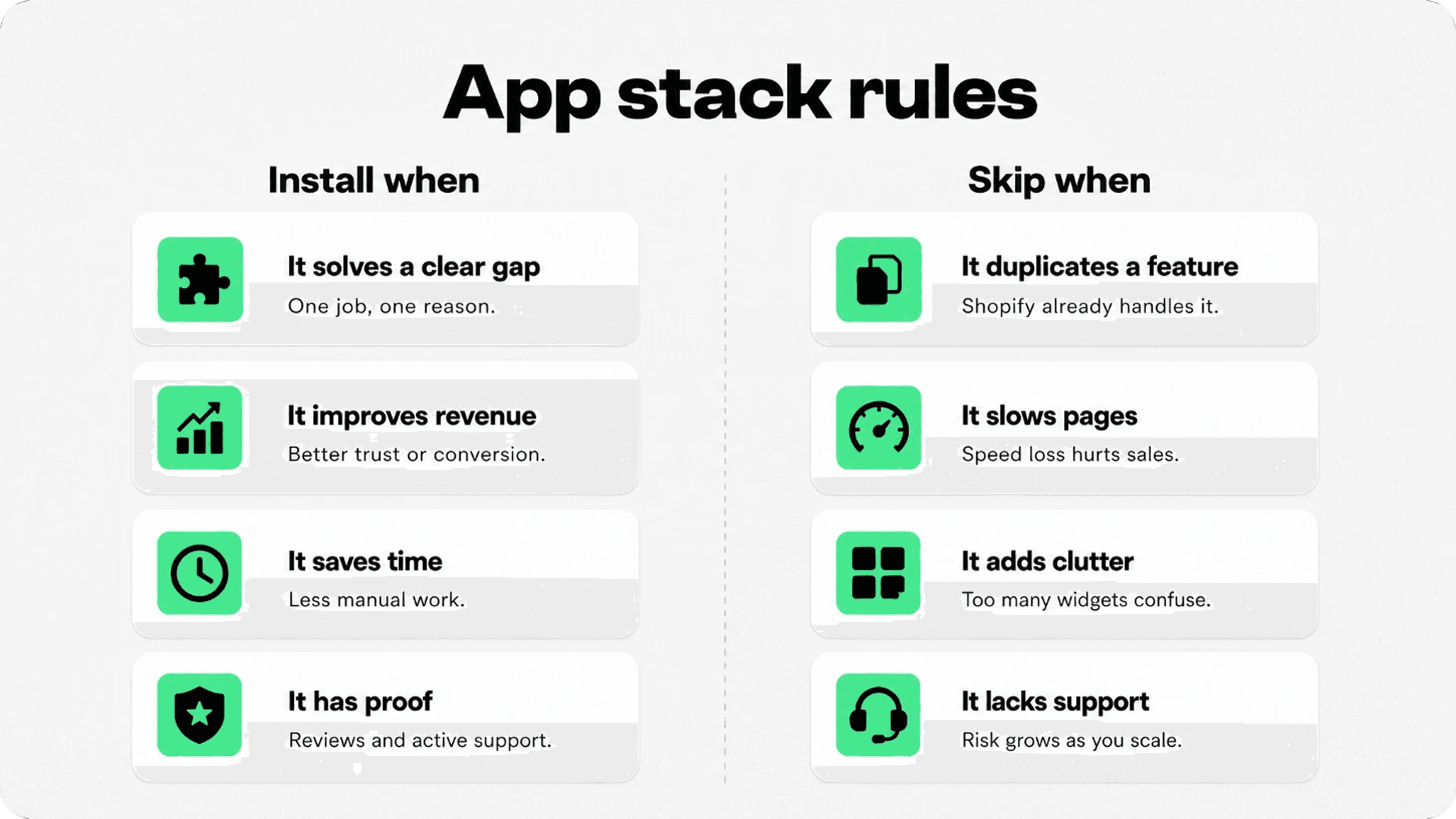
Before installing a Shopify app, ask whether it earns its place. The best app stacks are intentionally boring: fewer tools, cleaner pages, stronger reasons. A store with five well-chosen apps can outperform a store with twenty apps fighting for attention.
Install when the app solves one specific gap. Examples: missing reviews, weak product discovery, unclear trust signals, poor support workflow, or no email automation.
Install when the benefit is measurable. Track conversion rate, AOV, repeat purchase rate, support tickets, email revenue, page speed, or customer satisfaction.
Skip when Shopify or your theme already covers it. Native features are often cleaner and faster than unnecessary extra apps.
Skip when the app adds visible clutter. Popups, badges, chat widgets, review widgets, and upsells all compete for attention. Use them with restraint.
Quick app audit checklist
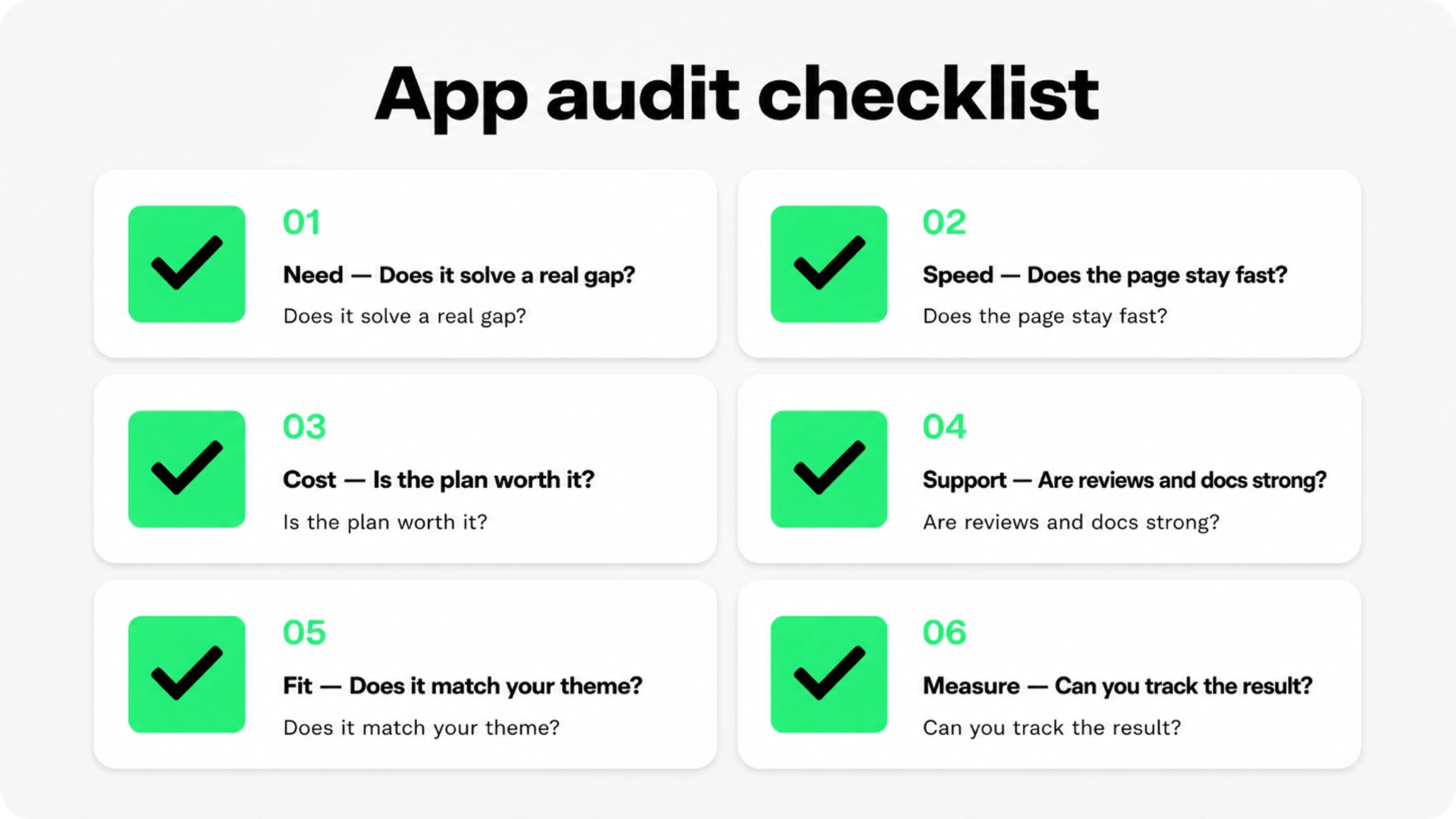
Use this audit before adding a new app and again every few months. App stacks tend to grow quietly. A regular cleanup keeps the store faster, easier to manage, and easier for shoppers to understand.
Need: What problem does this app solve right now?
Speed: Does it add scripts, widgets, or theme code that could affect performance?
Cost: Will the app still make sense when order volume, contacts, or usage increases?
Support: Are reviews, documentation, and response quality strong enough?
Fit: Does the app match the theme, brand, and buyer journey?
Measure: Can you tell whether it improved revenue, trust, retention, or workload?
Final answer
The best Shopify apps for 2025 are the ones that solve a real store problem without bloating the buyer experience. Most merchants should think in categories: trust, reviews, discovery, email, AOV, subscriptions, loyalty, support, tracking, returns, SEO, and performance.
Start with the smallest useful stack. Add apps when there is a clear gap, test the result, and remove anything that does not improve the store. For Snapp, keep the recommendation focused on Snapp Trust Badges & Icons because it directly supports the trust and conversion layer.